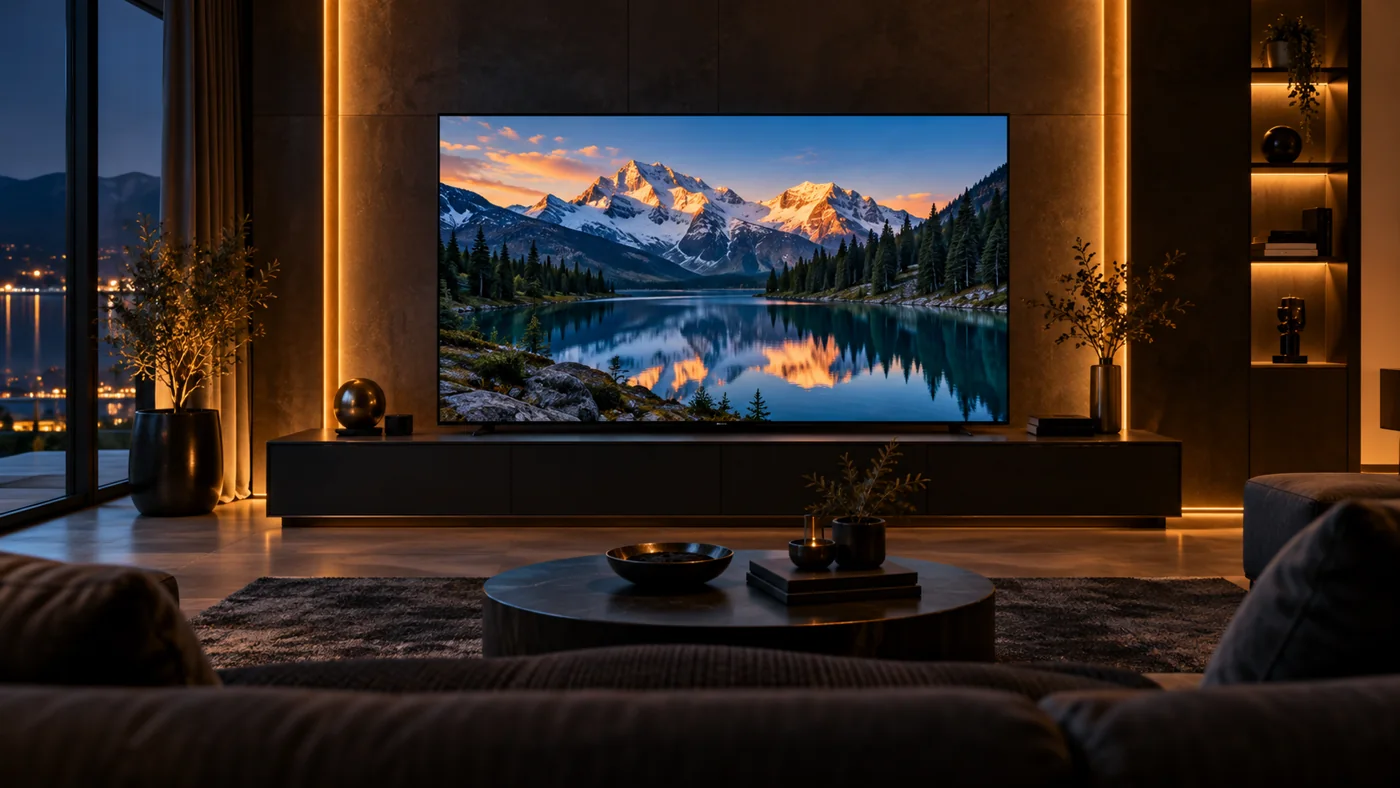
Choose a mood, check availability in your country, then set up picture, sound and subtitles before pressing play.
Ten films and five moods can cover a whole year of good movie nights — if you pair each pick with the right night and the right settings.
Ten picks. Find your mood.
A good movie watchlist is personal. These are editorial picks for a streaming night in 2026, rather than a popularity ranking or a list of 2026 releases. Pick the tone you want, then check the title with your streaming provider before settling in.
Titles move between libraries, regions and services more often than schedules do, so think of this list as a menu of moods rather than a grocery order. Two films from the same mood deliberately contrast: if you watch one this weekend, the other will still be waiting when the mood returns on a different night.
Interstellar
For a space adventure with an emotional story at its centre.
Arrival
For a thoughtful science-fiction night built around language and discovery.
Dune: Part Two
For sweeping desert imagery and an expansive science-fiction setting.
Mad Max: Fury Road
For propulsive action and striking visual storytelling.
Spider-Man: Into the Spider-Verse
For comic-book energy and inventive animation.
Coco
For music, family and a richly coloured animated world.
Knives Out
For a playful whodunit with an ensemble of memorable characters.
The Grand Budapest Hotel
For intricate visual composition and an eccentric comic adventure.
Paddington 2
For a warm, funny change of pace.
The Martian
For a resourceful survival story with humour and a scientific streak.
Notice the pairing logic behind the grid. Two space stories make a double feature but land very differently — one is cosmic, one is linguistic. Two animated films celebrate entirely different crafts. Two mysteries use wildly different tones, and two comfort films suit a quiet Sunday or a tired Tuesday equally well. When a friend asks what to watch, hand them a mood, not a genre; it saves a scroll session and a reset.
For each title, availability search language matters. Check the exact year when you search, because Dune exists in two generations and the streaming rights are different for each. And remember that “included” changes with a service’s contracts — the phrase to confirm is “included with my plan right now,” not “on that service a year ago.”
Each pick rewards the right lens as well as the right mood. Interstellar is a family mission story wearing a space suit; Arrival is a language essay wearing a thriller; Dune: Part Two is a political epic that happens to be beautiful. Knowing the real engine of a film stops the classic mismatch — someone expecting pure spectacle from Arrival, or pure philosophy from Mad Max — and saves a review-ban from a disappointed sofa. If you want spoiler-free context, IMDb’s plot and tagline pages give enough to set the frame without ruining anything.
Pairing with nothing at all is a legitimate choice too. A deliberately unfinished evening — film chosen, snacks boxed, room set to lights-down — is the most underrated luxury in modern home theatre. What follows is that the list does its work and disappears: within ten minutes you forget you were choosing anything at all.
Find where to watch
Streaming availability changes by title, country and date. A film may be included with one subscription but offered only as a rental elsewhere. Use JustWatch, switch to your country and search the exact title to compare current options.

For another way to explore films, IMDb provides title, cast and release information. Check the release year when films share a name. Neither a watchlist entry nor an image on a website confirms that a particular subscription includes the film.
Searching well is a skill. On JustWatch, set the country once, bookmark the filter you trust, and learn the difference between “stream,” “rent” and “buy” before a big night. On IMDb, the year and the director tell you whether you found the right film, and the user score gives you a sanity check against a group you can compare with your own taste. The combination of both takes under a minute and removes the most common source of movie-night disappointment: the wrong title found ten minutes late.
Device depth is where remakes of the same film start to differ. A 2026 television with a fast panel shows the darker scenes of a desert epic the way the palette was graded, while a laptop set to its default brightness crushes the same frame into a single grey. Before a big night, spend twenty seconds on the hardware: close the extra tabs, switch the display to its film presetholidays and hand the room over to the story. It sounds like fuss, but the same person who checks the film is on the service should also check that the screen is behaving.
Regional availability deserves its own sentence because it changes everything quietly. A film comfortably included in the United States may be a purchase-only title in Europe, and a family favourite in Asia can vanish from a rival catalogue overnight. When you plan a whole month of movie nights, batch the searches: ten titles, one country setting, three minutes of clicking. Filter out what is not available, rearrange what remains into moods, and you have a month of evenings decided before the first Friday arrives.
If you are exploring the Marinios VOD library, ask support about the exact title, language and available quality. Our free trial lets you inspect the available library on your own device.
Give your screen a movie-night setup
Before the opening scene, check the audio track and subtitles. Choose the original language or a dub you prefer, and make sure subtitle size is comfortable from the sofa. Test sound at a normal listening level so dialogue stays clear without constantly reaching for the remote.
A 4K movie needs a compatible source and playback chain. HDR availability is a separate question from resolution. Confirm the available format in the player instead of assuming that every on-demand title uses the same quality.

A ten-minute setup ritual beats a ninety-minute stumble. Set the room first: dim the lights, put the phone somewhere it cannot light the screen, and decide the snack plan so nobody crosses the frame mid-scene. Then set the software: subtitles on (or confidently off), correct audio track, room-friendly volume and the picture preset chosen for evening viewing. Finally set the expectation: is this a "watch together" night or a "settle in solo" night? The answers change how long the film feels and how much you enjoy it.
For stable playback, apply the network checks in our 4K streaming guide. If your player is awkward to navigate, explore our IPTV app comparison and Smart TV setup guide.
Three minutes before the film: set the output, play the quietest dialogue scene you know, and adjust once. Then leave the volume alone for the evening — steady ears enjoy cinema more than heroic tweaking.
Make choosing the next film easier
Keep a short list with three categories: watch tonight, save for the weekend and watch with someone else. A long queue can become another thing to scroll through. Five considered choices are often more useful than fifty titles added without a plan.
Pair two films by mood or contrast: a science-fiction adventure followed by a quieter story, or a colourful animated film followed by a family comedy. Choose your own pace rather than chasing a trending list.
Rotation keeps the list alive. Every time you finish a pick, add exactly one replacement in the same mood, so the "watch tonight" column never empties and the "save for weekend" column never bloats. Involve the household once a month and let each person claim one upcoming slot — it converts the queue from a chore into a shared calendar, which is how comfortable routines are actually built.
Mood beats order for one practical reason: it survives. An alphabetised queue looks tidy but fails on a tired Tuesday, when the mood that answers the evening is not the letter that starts the title. Sorting by mood instead means the watch-now column always has a film with the right energy for right now, and the save-for-weekend column holds the slower, richer picks for a morning with time to spare. Five columns labelled by feeling beat fifty titles added without any feeling at all, and the whole list keeps answering the only question that matters: what is the right film for this exact night.
Shared rotation makes the habit stick. Give each person one upcoming slot a month, keep exactly one replacement for every film you finish, and the routine quietly manages itself. The moment a title is gone, one replacement in the same mood slides in, so the watch-now column never empties and the weekend column never bloats. If the queue lives on a phone or a tablet, the right IPTV app keeps it reachable on every couch; and before you commit, compare IPTV with cable to see which plan actually fits your movie-night budget.

Because the queue lives in your head before it lives on a screen, give it a second home. The same three-mood list, kept in the note app, survives a service change or a device replacement without any re-planning. When a title vanishes from one catalogue, the note still tells you the mood it served, so the replacement search starts from the right category instead of restarting from zero. That small habit is the difference between a routine that bends around real life and one that falls apart as soon as one film leaves the library.
Ready to explore more? Read the IPTV versus cable comparison for a broader view of streaming costs, or return to our streaming journal for the next guide.
Movie-night FAQ
The questions that decide whether the night is cinematic or cancelled.
Either the source is HD, the playback chain downgrades it, or the app is not negotiating the format. Check the player info while the film plays, then compare the same title on another device to isolate the link.
Subtitles are a tool, not a confession. Turn them on for quiet films, foreign dialogue or a room with neighbours; turn them off when they steal the image. The setting is yours.
The one with buffer time. A rushed 10:30pm start before a long weeknight is a worse cinema than a planned 9pm Friday with snacks ready. Schedule the film like an appointment and it lands on its feet.
Yes, and repetition has its own cinema. Familiar stories relax the body like a well-worn playlist; that is precisely what the “feel-good escape” column is for.
Pause, let the buffer fill, then resume rather than toggling quality during a tense moment. If restarts plague every title, follow the buffering checklist while the film is paused.
No — a good TV with clear dialogue beats a muddy soundbar by a mile. Upgrade sound for your own comfort, not because a film is “supposed” to require one.
All seasons, all screens
A watchlist built for one room dies fast; a watchlist built for the whole year travels. That is why the same ten-pick logic scales: a holiday film in December, a rainy-Sunday mystery in April, a blockbuster on the first long school break. When you review the list in a few months, the surviving films tell you what your household actually loves — which is worth more than any critic’s ranking.
Quick verdict
Living room
The main screen, the sofa and the curated pick. This is where the ten films do their best work.
Bedroom
Quieter Sunday films and comfort rewatches. Steadier evening volume and pastel pictures shine here.
Travel
Download-style, offline-friendly picks for journeys. Choose mood over spectacle when the screen is small.
Screens change the experience more than the film does. A sweeping desert epic deserves the sofa; a clever whodunit works anywhere; a family animation fills a travel day better than the airport food hall. Matching the right pick to the right screen is the cheapest upgrade in home cinema, and it costs nothing beyond a moment of thought before you press play.
Wherever you watch, the better-home-cinema habit is the same: check availability, set the room, set the software, then enjoy. That rhythm — choose by mood, verify by search, prepare the screen, press play — is the whole guide in four steps. It turns the films above from a list into a reliable stream of genuinely good nights.