Choosing the correct IPTV application can significantly improve your Firestick streaming experience. A good player should load channels quickly, organize content clearly and support the playlist format supplied by your IPTV service.
However, an IPTV player does not normally include channels or subscriptions. It is simply an application that plays content from a compatible, legally authorized service.
In this guide, we compare five of the best IPTV apps for Firestick in 2026 and explain which option may work best with your Marinios IPTV setup.
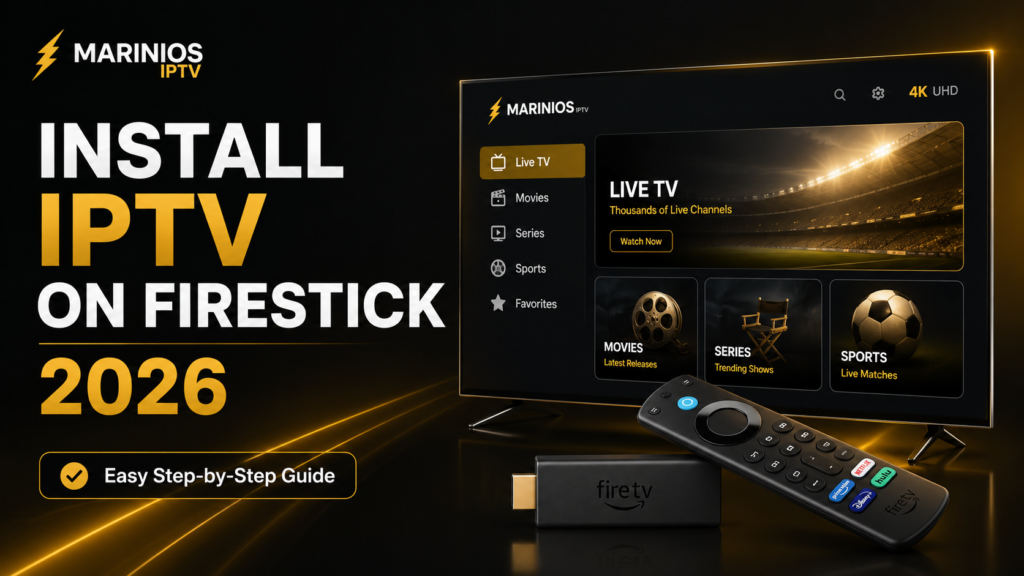
What Is an IPTV Player?
An IPTV player is an application that connects to a compatible playlist or account. Depending on the application, it may support login methods such as:
- M3U playlist URLs
- Xtream Codes credentials
- Electronic Program Guide files
- Stalker Portal connections
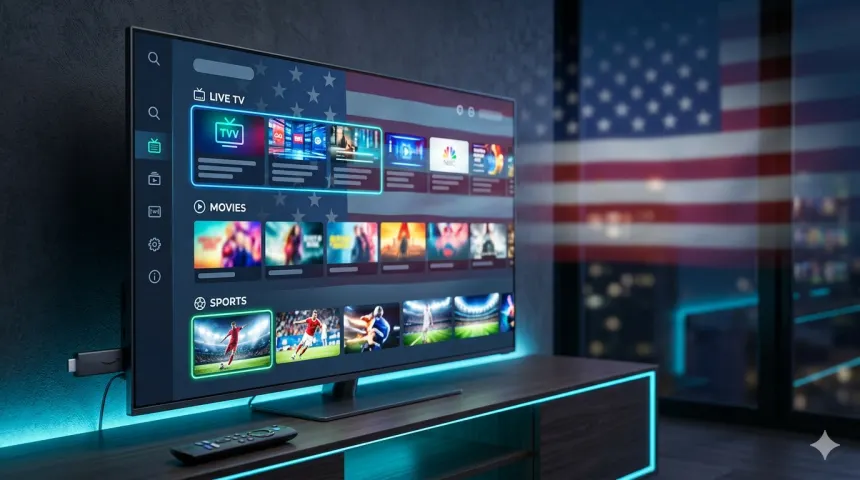
The player organizes the supplied live channels, movies and series into a television-friendly interface.
Your player and IPTV subscription are two different products. Downloading TiviMate, VLC or another player does not automatically give you access to television content.
Best IPTV Apps for Firestick at a Glance
1. TiviMate — Best Overall
TiviMate is one of the strongest choices for viewers who want a traditional television-style experience. Its interface is designed for large screens and remote-control navigation.
It supports common formats such as M3U, Xtream Codes and Stalker Portal. Available features include an EPG, favourites, search, multiple playlists, parental controls, catch-up, recording and multiview. Some advanced features require a paid upgrade.
The application itself does not provide television content. Users must connect a compatible playlist supplied by an authorized provider. TiviMate’s official Google Play listing
Best for:
- Regular live-TV viewers
- Large channel lists
- Multiple playlists
- Customizable television guides
- Advanced users
Potential disadvantages:
- Some features require Premium
- The number of settings may confuse beginners
- It is designed primarily for television devices, not touchscreens
For many Firestick users, TiviMate offers the most complete television-style interface.
2. IPTV Smarters Pro — Best for Beginners
IPTV Smarters Pro is popular because its login screen and content categories are relatively straightforward. Depending on the version and service configuration, it can organize live television, movies and series separately.
The interface is easier for many first-time users to understand than highly customizable players. It may also provide parental controls, external-player support, favourites and EPG integration.
Best for:
- IPTV beginners
- Families wanting a simple interface
- Live television and video-on-demand
- Users who prefer clearly separated categories
Potential disadvantages:
- Performance differs between versions
- Availability can vary by region and application store
- Large playlists may take time to load
- Some versions may contain additional branding or advertising
Always obtain the application from an official or trusted source. Avoid modified or “premium unlocked” APK files from unknown websites.
3. Sparkle TV — Best for DVR and Timeshift
Sparkle TV is a television-focused player supporting M3U, Xtream Codes and XMLTV, along with several other television sources.
Its features include an EPG, favourites, multiple audio tracks, subtitles, automatic frame-rate matching, parental controls and remote-control customization. The optional Plus version adds features such as timeshift, DVR recording, multiview and multiple sources.
The official listing identifies Android TV, Google TV and Fire TV Stick as supported platforms. Sparkle TV’s official listing
Best for:
- Recording compatible streams
- Pausing live television
- Multiple playlists or sources
- Viewers wanting a modern TV interface
- Subtitle and audio-track control
Potential disadvantages:
- Several advanced features require Plus
- Recording requires sufficient storage
- Initial configuration may take time
Sparkle TV is particularly useful when DVR, timeshift or deeper remote-control customization matters to you.
4. Kodi — Best for Customization
Kodi is an open-source media centre rather than a dedicated IPTV application. IPTV functionality can be added using the official PVR IPTV Simple Client.
The client supports M3U playlists, live television, radio channels and XMLTV programme guides. It can be installed through Kodi’s add-on interface. Kodi’s official IPTV Simple Client page
Kodi also allows users to organize locally stored videos, music and other authorized media inside one interface.
Best for:
- Advanced customization
- Open-source software users
- Combining IPTV with local media
- M3U and XMLTV configurations
Potential disadvantages:
- More complicated than dedicated IPTV players
- Requires additional configuration
- The interface may feel heavy on older Firesticks
- Unofficial add-ons may introduce security or copyright risks
Use only official or trusted Kodi add-ons and content you have permission to access.
5. VLC Media Player — Best Lightweight Backup
VLC is a free, open-source media player capable of playing many video formats and network streams. It can be useful as a backup external player or for opening a simple compatible network-stream URL.
VideoLAN confirms that VLC for Android supports video files, audio files and network streams. Official VLC for Android page
VLC does not provide the polished channel guide or content organization found in dedicated IPTV applications.
Best for:
- Testing individual streams
- Simple M3U playback
- Playing local media files
- Using an external video player
- Troubleshooting compatibility problems
Potential disadvantages:
- Limited television-style organization
- No advanced EPG experience by default
- Not ideal for browsing large channel libraries
VLC is an excellent secondary player, but most regular IPTV viewers will prefer TiviMate, Smarters Pro or Sparkle TV as their main application.
Which IPTV App Is Best for Marinios IPTV?
The right choice depends on your device, experience and the account format provided to you.
Choose TiviMate if you want a polished television guide and extensive customization.
Choose IPTV Smarters Pro if you want a beginner-friendly interface for live television, movies and series.
Choose Sparkle TV if recording, timeshift and remote-control customization are important.
Choose Kodi if you want an open-source media centre that combines multiple forms of media.
Choose VLC when you need a simple backup player or want to test an individual stream.
Before configuring an application, confirm which login method your Marinios IPTV account supports.

What You Need Before Installation
Prepare the following before installing a player:
- A compatible Fire TV device
- A stable internet connection
- Your authorized IPTV account details
- An application compatible with your login format
- Enough free Firestick storage
- A television and HDMI connection supporting your desired resolution
Keep your login information private. Do not publish screenshots containing your username, password, server address or complete M3U URL.
How to Install an IPTV App on Firestick
The safest installation method is through your device’s official application store whenever the application is available there.
- Open Find from the Fire TV home screen.
- Select Search.
- Enter the application’s name.
- Confirm the developer and application details.
- Select Download or Get.
- Open the application after installation.
- Enter your compatible account details.
Application availability varies by country and Fire TV model. If an application is unavailable in your store, consult its official developer website. Never download cracked or modified applications from unknown sources.
How to Add Your Marinios IPTV Account
The exact process varies between players, but it normally follows this structure:
- Open your selected IPTV player.
- Choose the login or playlist option supported by your account.
- Enter a recognizable playlist name, such as Marinios IPTV.
- Enter the credentials exactly as supplied.
- Select Add User, Add Playlist or Connect.
- Wait for the channels and programme guide to load.
- Add your preferred channels to favourites.
Use the device’s copy-and-paste function when possible. A missing character or accidental space can prevent the application from connecting.
How to Improve IPTV Performance on Firestick
Even the best IPTV player cannot compensate for a weak or unstable connection.
For smoother performance:
- Restart your Firestick and router periodically.
- Use Ethernet when possible.
- Position the router closer to your Firestick.
- Remove applications you no longer use.
- Clear the player’s cache when it becomes slow.
- Keep Fire OS and the player updated.
- Avoid running large downloads while streaming.
- Test a different video decoder when playback fails.
If channels frequently freeze, read our guide: How to Fix IPTV Buffering on Firestick in 2026.
Turn that sentence into an internal link pointing to your buffering article.
Free vs Paid IPTV Players
Free players are usually sufficient for basic streaming. Premium upgrades may add:
- Multiple playlists
- Recording
- Timeshift
- Multiview
- Interface customization
- Backup and restore
- Additional EPG controls
- Automatic frame-rate matching
Paying for an application does not include an IPTV subscription or guarantee that every stream will work. It only unlocks the player’s features.
Common IPTV Player Problems
Incorrect login information
Check every character in your username, password and server address. Credentials are normally case-sensitive.
Channels fail to load
Restart the application and refresh the playlist. Test your internet connection and confirm that your account remains active.
EPG is missing
Refresh the programme guide inside the player. Some guide information may depend on the data supplied with your playlist.
Video plays without sound
Try changing the audio track or video decoder. VLC can also be tested as an external player.
Application becomes slow
Clear its cache and restart the Firestick. Removing unused applications can also free storage.
Frequently Asked Questions
Do IPTV players include channels?
No. Legitimate IPTV players are media applications and do not normally include television channels. You must connect an authorized compatible account or playlist.
What is the easiest IPTV app for Firestick?
IPTV Smarters Pro is usually one of the easiest options for beginners. TiviMate provides more customization, while Sparkle TV offers strong DVR and timeshift features.
Can I install more than one IPTV player?
Yes. Installing a main player and one backup player can help with troubleshooting. Avoid keeping too many unused applications because Firesticks have limited storage.
Can an IPTV player stop buffering?
A well-configured player can improve playback, but buffering may also come from your connection, Wi-Fi signal, device storage or source stream.
Is VLC a complete IPTV application?
VLC can play compatible network streams, but it lacks the polished EPG and channel organization provided by dedicated IPTV players.
Final Verdict
TiviMate is a strong overall choice for viewers wanting a customizable television-style interface. IPTV Smarters Pro is suitable for beginners, while Sparkle TV stands out for timeshift and recording features.
Kodi is best for users who enjoy advanced customization, and VLC remains a useful lightweight backup player.
The best option ultimately depends on your Firestick model, login format and preferred features. Test the compatible options and select the player that feels easiest to navigate.
Need Help Setting Up Marinios IPTV?
Need help choosing a compatible player or configuring Marinios IPTV on your Firestick? Contact our support team for assistance with account setup and player configuration.
Only access channels and content you are legally authorized to watch.
Ready to Get Started?
Join thousands of satisfied customers enjoying premium IPTV service.